
Facebook Video Downloader
Save Facebook videos as MP4 on your phone or computer.
GetFb helps you find download links for Facebook videos. Paste a link to see the available video quality, then save the MP4 file on your iPhone, Android device, Windows PC, or Mac. No browser extension or software installation is required. Quality depends on the original video. Only download videos you own or have permission to save.
Facebook videos, saved your way
How to download a Facebook video
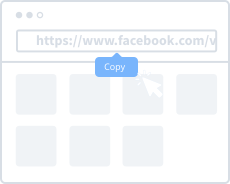
1. Copy the video link
Open the video in Facebook. Tap or click Share, then choose Copy link. On a computer, you can also copy the video page URL from the address bar.
2. Paste the link into GetFb
Paste the video link into the field above, then select Get download links. Keep the page open while GetFb checks the video.
3. Choose a quality and save
On the results page, choose an available download quality. HD is shown only when available from the source. If your browser opens the video, use its download or save option.